
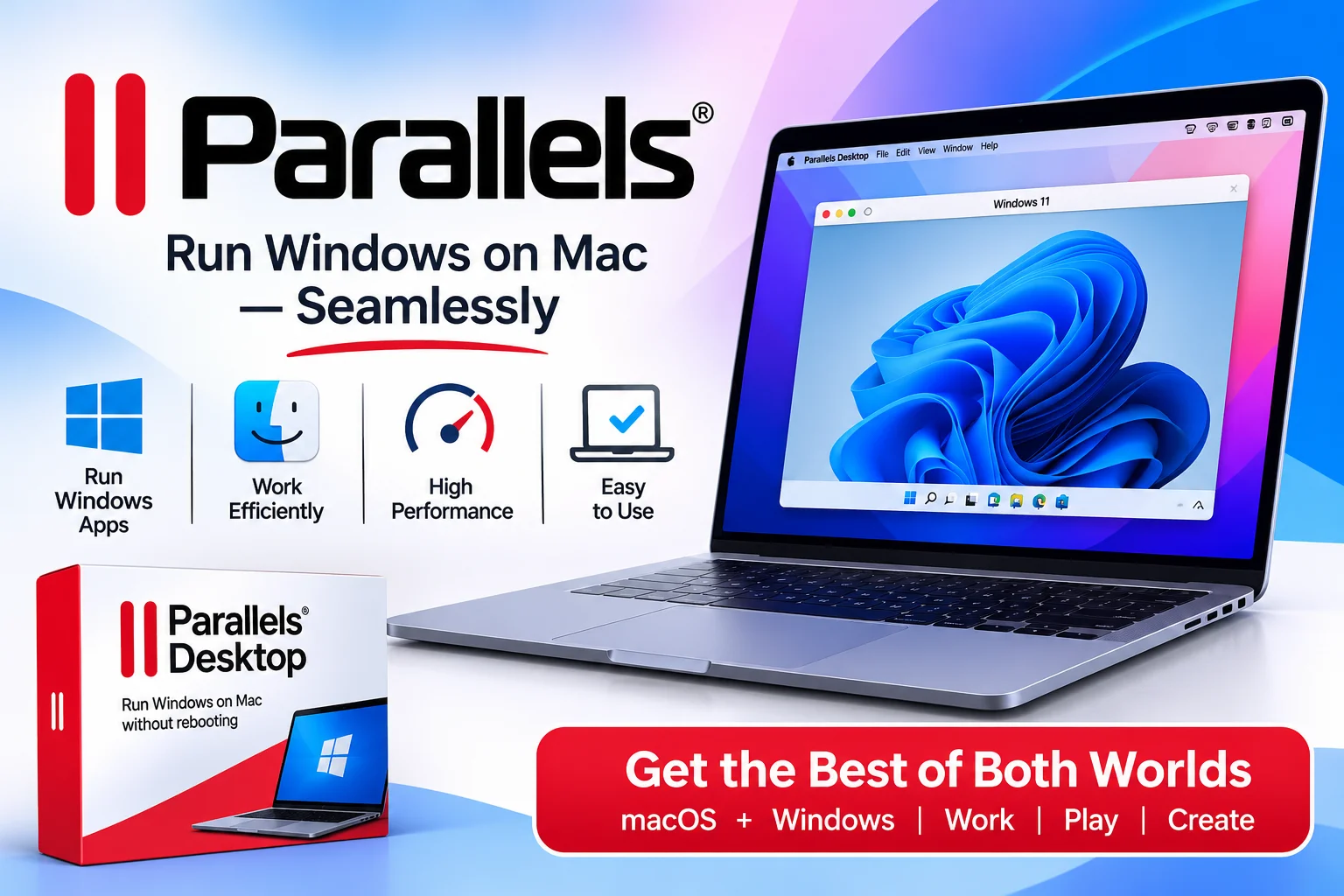
The Ultimate Parallels Desktop Guide: Running Windows on Mac, High-Performance Virtualization, and Verified Savings
Run Windows applications seamlessly on your Mac with Parallels Desktop. Read our full review and use active promo codes like UPDATE35 or UPDATE50 to save up to 50% today.
SAY GOODBYE TO BUYING A SEPARATE PC! Save Up to 50% OFF Parallels Desktop for Mac!
Get more from your devices with Parallels. Explore powerful virtualization and productivity software that lets you run Windows applications on Mac, access virtual desktops, and simplify your everyday computing experience.
Explore Parallels✔ Virtualization Software • ✔ Windows on Mac • ✔ Productivity Solutions
Introduction
Modern Mac hardware powered by Apple Silicon (M1, M2, M3, M4 series chips) delivers incredible performance and battery life. However, many business environments, academic programs, and software suites still rely heavily on Windows-only applications.
Parallels Desktop for Mac bridges the gap between macOS convenience and Windows software compatibility.
By downloading directly from parallels.com, Mac users can run thousands of Windows applications at native speed, drag and drop files seamlessly between desktop environments, and utilize active promo codes that keep premium virtualization software affordable.
What is Parallels?
Parallels is an industry-leading software development company best known for Parallels Desktop, its flagship virtualization program designed specifically for Mac users.
The platform allows you to create a high-performance virtual machine on your Mac computer, enabling full installation of Windows 11 Arm, Linux distributions, or secondary macOS environments.
Their core software product catalog spans several distinct productivity solutions:
- Parallels Desktop Standard Edition: Designed for home users, students, and basic productivity tasks needing seamless access to Windows applications on Mac.
- Parallels Desktop Pro Edition: Tailored for developers, testers, and power users who need advanced virtual hardware allocation, debugging tools, and integration with Visual Studio, Vagrant, and Docker.
- Parallels Desktop Business Edition: Engineered for corporate IT administrators requiring centralized license management, enterprise security controls, and mass deployment features.
- Parallels Toolbox: A standalone suite of essential single-click utility tools for recording screens, optimizing storage, converting media files, and cleaning junk data.
Top Features to Look For on Parallels
When selecting your Parallels Desktop subscription or one-time license on parallels.com, several key features elevate your cross-platform workflow:
- Seamless Coherence Mode: Hide the Windows desktop entirely and run Windows applications side by side with Mac apps as if they were native macOS programs.
- Apple Silicon Optimization: Engineered to leverage hardware acceleration on M1, M2, M3, and M4 chips for near-native CPU, GPU, and DirectX 12 performance.
- Instant One-Click Windows Installation: Automatically download and install Windows 11 with a single click during setup, eliminating complicated manual ISO configurations.
- Universal Clipboard & File Sharing: Effortlessly copy, paste, and drag-and-drop text, images, and files between macOS and Windows without file transfers.
- Shared Peripherals & Connectivity: Connect USB devices, external monitors, printers, Bluetooth accessories, and Apple Touch Bar controls instantly to your virtual machine.
Comparison of Parallels
How does running your cross-platform environment through parallels.com compare against traditional dual-boot systems or basic cloud desktops?
- System Integration & Usability:
- Boot Camp Dual-Boot (Legacy Intel Macs): Requires restarting your Mac every time you switch operating systems
- Cloud Windows Desktops: Requires a persistent internet connection and suffers from input latency
- Official Parallels Desktop: Simultaneous side-by-side execution of Windows and Mac apps with zero rebooting required
- Apple Silicon (M-Series) Compatibility:
- Boot Camp Dual-Boot (Legacy Intel Macs): Not supported on Apple Silicon M1, M2, M3, or M4 Mac computers
- Cloud Windows Desktops: Runs in cloud server data centers rather than using local hardware performance
- Official Parallels Desktop: Fully optimized for Apple Silicon hardware acceleration and ARM architecture
- Performance & Graphics Support:
- Boot Camp Dual-Boot (Legacy Intel Macs): Native hardware speed, but inconvenient workflow integration
- Cloud Windows Desktops: Frame rate drops during intensive tasks due to network bandwidth limitations
- Official Parallels Desktop: Fast 3D graphics rendering supporting DirectX 12 for smooth productivity and gaming
- File Sharing & Data Security:
- Boot Camp Dual-Boot (Legacy Intel Macs): Isolated hard drive partitions making simple file sharing complicated
- Cloud Windows Desktops: Files stored on external remote servers raise privacy and compliance questions
- Official Parallels Desktop: Local encrypted storage with customizable drag-and-drop file sharing policies
- Promotional Discounts & Value:
- Boot Camp Dual-Boot (Legacy Intel Macs): Free tool, but discontinued for all modern Apple hardware
- Cloud Windows Desktops: High monthly subscription fees per user seat
- Official Parallels Desktop: 50% OFF academic discounts, bundle sales, and active sitewide promo codes
Exclusive Parallels Discount Codes and Savings Hacks
Unlocking seamless Windows performance on your Mac does not require paying full retail price. Take advantage of these verified savings methods when ordering directly on parallels.com:
- Apply Verified Coupon Codes at Checkout: Enter active promo codes during subscription or license checkout to score instant price drops:
- Code UPDATE35: Save up to 35% OFF Business Edition
- Code UPDATE50: Unlock up to 50% OFF Standard and Pro Edition
- Student and Educator Discount: Students, teachers, and faculty members can verify their academic status on parallels.com to unlock a permanent 50% OFF education discount.
- Free 14-Day Full-Featured Trial: Test the complete software suite free for 14 days without financial commitment before purchasing a license.
- Upgrade Discounts for Existing Users: Owners of previous Parallels versions qualify for perpetual upgrade pricing at up to 65% OFF regular retail prices.
Final Thoughts
Parallels Desktop for Mac offers the ultimate combination of speed, seamless macOS integration, and cross-platform flexibility.
Whether you need to run specialized Windows software for work, test applications across Linux distributions, or play PC games on your Mac, downloading Parallels delivers top-tier performance without the friction of rebooting. Be sure to download the free trial, select the edition that best fits your workflow, and apply active discount codes like UPDATE35 or UPDATE50 at checkout to guarantee the best price on parallels.com.
#Parallels ParallelsDesktop #VirtualizationSoftware #MacSoftware #WindowsonMac #Windows11 #SavingAims

James Warren
Senior Affiliate Content Strategist
James Warren is an accomplished digital writer and affiliate strategist, James Warren crafts data-backed product breakdowns, head-to-head brand comparisons, purchasing manuals, and value-driven shoppi…
View all postsRelated Posts