
  • Home
  • Comparisons
  • WinZip vs WinRAR: Which File Compression Tool Is Better…

WinZip vs WinRAR: Which File Compression Tool Is Better in 2026?

Winner: WinRAR
WinZip logo

WinZip

Compress, protect, manage, and securely share your files with WinZip.

4.5/10

monthly

Try WinZip
VS
WINNER
WinRAR logo

WinRAR

Compress, protect, manage, and share your files with WinRAR.

4.7/10

monthly

Try WinRAR
WinZip vs WinRAR: Which File Compression Tool Is Better in 2026?

Overview

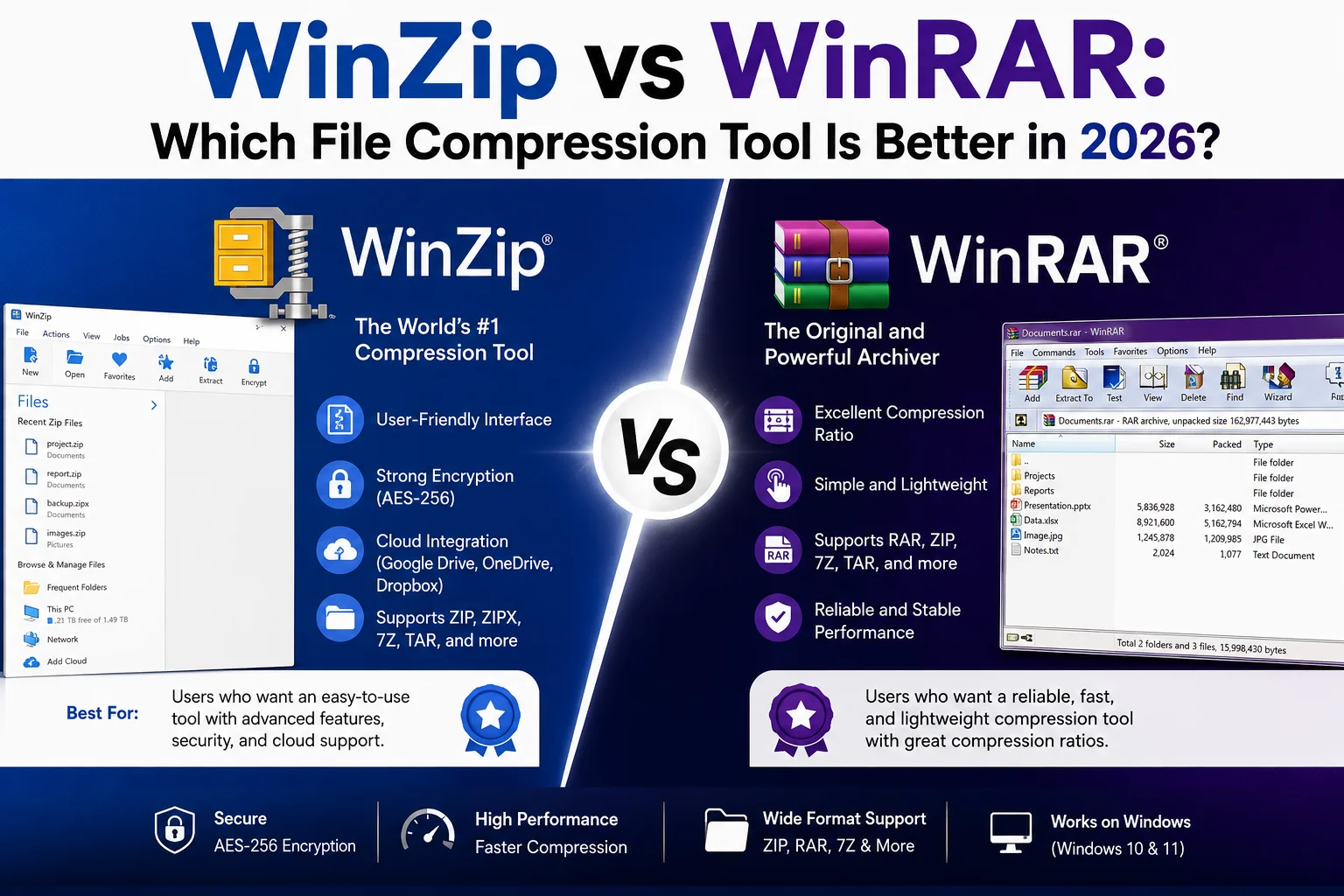
WinZip and WinRAR are two of the leading file compression utilities for organizing archives, encrypting data, and saving storage space. While both excel at file extraction, they differ significantly in their pricing models, system resource usage, and cloud workflows.

Feature Comparison

Feature WinZip WinRAR Edge
Pricing & License $34.95 / year (Subscription) $29.00 (One-Time Lifetime) WinRAR
Native Format ZIP, ZIPX RAR, RAR5 WinRAR
Supported Formats ZIP, RAR, 7Z, TAR, ISO, GZ RAR, ZIP, 7Z, TAR, ISO, CAB
Data Encryption 256-bit AES Encryption 256-bit AES Encryption
Cloud Integration Direct Drive, Dropbox, OneDrive sync Manual upload required WinZip
Productivity Tools PDF converter, image resizer, watermarking Archive repair, multi-volume splitting WinZip

Pricing & Licensing Breakdown

WinZip operates on an annual subscription model starting at $34.95 per year for its standard tier. While this subscription guarantees continuous software upgrades and cloud integration maintenance, it represents an ongoing yearly expense. In contrast, WinRAR utilizes a classic perpetual licensing structure where a single payment of $29.00 grants lifetime usage rights with no recurring subscription fees, making WinRAR significantly more economical over time.

Features, Cloud Integration & Usability

WinZip expands beyond raw compression by functioning as a multi-purpose document manager. Users can convert documents to PDF, resize photo collections, add text watermarks, and share encrypted files directly through Google Drive, OneDrive, and Dropbox. WinRAR focuses strictly on specialized archive management, featuring corrupt file recovery tools, archive locks, and multi-part archive creation (.part1, .part2) while keeping its interface minimal and distraction-free.

Compression Speed & System Performance

WinRAR leads in core compression performance when creating native RAR and RAR5 archives, consistently yielding smaller package sizes on massive software or media folders. It operates with a tiny system footprint, consuming minimal RAM and CPU power during extraction. WinZip offers fast ZIP and ZIPX creation with multithreading support, but its expanded background features require slightly more background system resources.

Our Verdict

WinRAR wins overall for its lightweight system performance, lifetime perpetual licensing model, and superior RAR archive handling, making it the most cost-effective compression solution.

Conclusion

Choose WinRAR if you want a lightweight, lightning-fast compression utility with lifetime usage under a single one-time payment, especially if you frequently extract RAR archives or split large file packages. Choose WinZip if your workflow relies heavily on native cloud storage integration (Google Drive, Dropbox, OneDrive), PDF conversion capabilities, and automated file encryption tools.

Overall Winner: WinRAR

Based on features, pricing, value and overall performance.

Try WinRAR →

Quick Facts

WinZip WinRAR
Score 4.5/10 4.7/10
Pricing monthly monthly

Read More Guides

In-depth reviews, tips and SaaS guides.

Visit Blog →