

Parallels
Run Windows and other operating systems on your Mac with powerful virtualization and cross-platform productivity tools.
1.6/5
Annual from $49.99/mo Other
About Parallels
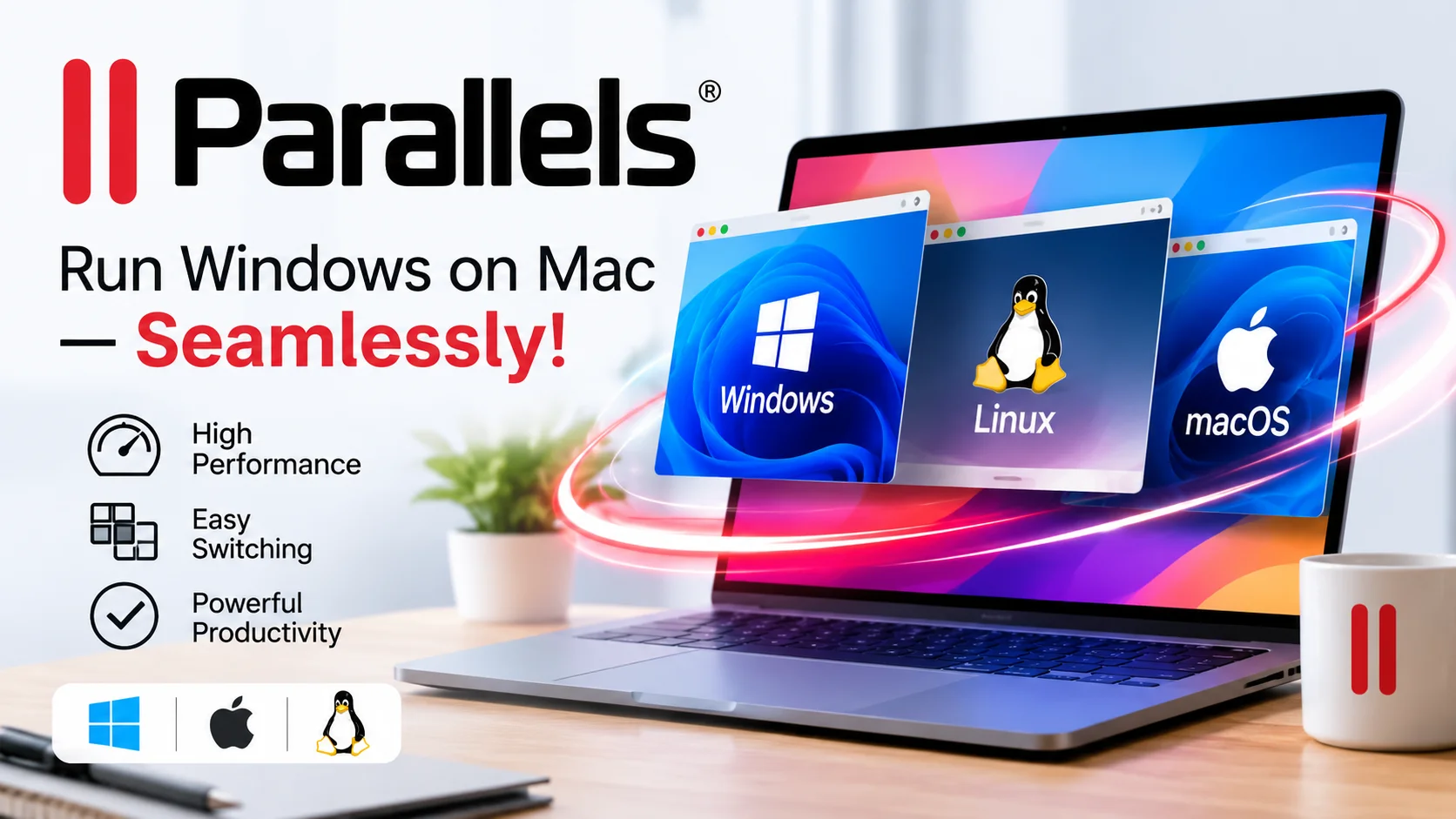
Parallels is a software company that provides virtualization, remote desktop access, and workspace management solutions for individuals, developers, and businesses. Its flagship product, Parallels Desktop for Mac, allows users to run Windows, Linux, and other operating systems alongside macOS without restarting their computers.
With Parallels Desktop, Mac users can access Windows applications, business software, productivity tools, and professional programs from a single device. It supports Apple silicon Macs and offers different editions for everyday users, developers, power users, and organizations. Users can run virtual machines, work across operating systems, and switch between Mac and Windows applications conveniently.
Parallels also offers advanced capabilities for developers, including multiple virtual machines, command-line tools, development environments, and support for testing and automating software across operating systems. Business editions provide centralized license management, deployment tools, team administration, and workflow automation to help organizations manage virtualization across their Mac devices.
Beyond desktop virtualization, Parallels provides solutions such as Parallels Remote Application Server (RAS), Parallels Desktop for Business, Parallels DaaS, Parallels Browser Isolation, and Parallels Toolbox. These products help organizations deliver virtual applications and desktops, manage secure workspaces, and improve productivity across different devices.
Whether you need to run Windows applications on a Mac, test software in multiple operating systems, or manage virtual workspaces for a business, Parallels offers flexible solutions for personal and professional computing.
With Parallels Desktop, Mac users can access Windows applications, business software, productivity tools, and professional programs from a single device. It supports Apple silicon Macs and offers different editions for everyday users, developers, power users, and organizations. Users can run virtual machines, work across operating systems, and switch between Mac and Windows applications conveniently.
Parallels also offers advanced capabilities for developers, including multiple virtual machines, command-line tools, development environments, and support for testing and automating software across operating systems. Business editions provide centralized license management, deployment tools, team administration, and workflow automation to help organizations manage virtualization across their Mac devices.
Beyond desktop virtualization, Parallels provides solutions such as Parallels Remote Application Server (RAS), Parallels Desktop for Business, Parallels DaaS, Parallels Browser Isolation, and Parallels Toolbox. These products help organizations deliver virtual applications and desktops, manage secure workspaces, and improve productivity across different devices.
Whether you need to run Windows applications on a Mac, test software in multiple operating systems, or manage virtual workspaces for a business, Parallels offers flexible solutions for personal and professional computing.
Key Features
- - Run Windows applications alongside macOS
- - Virtualize Windows, Linux, and macOS environments
- - Support for Apple silicon Macs
- - Run Windows without restarting your Mac
- - Access thousands of Windows applications
- - Integration between Mac and Windows workflows
- - Shared folders and file access between operating systems
- - Support for multiple virtual machines
- - Advanced CPU and virtual memory allocation
- - 3D graphics acceleration for supported applications
- - Developer tools and command-line interface
- - Software development, testing, and debugging environments
- - Support for Docker and other development workflows
- - Centralized license management for businesses
- - Team deployment and virtual machine provisioning
- - CI/CD workflow automation on supported editions
- - Parallels Remote Application Server for virtual apps and desktops
- - Parallels DaaS for cloud-based desktop delivery
- - Browser isolation for secure web access
- - Parallels Toolbox with productivity utilities
- - Support for personal, professional, and enterprise use
Pros & Cons
Pros
- Allows users to run Windows applications on Mac without rebooting.
- Supports Apple silicon Macs and modern virtualization workflows.
- Provides access to a wide range of Windows and Linux applications.
- Offers different editions for home users, developers, and businesses.
- Pro edition includes advanced resources and development tools.
- Business editions offer centralized administration and licensing.
- Helps reduce the need for separate Windows hardware.
- Supports multiple operating systems for development and testing.
- Provides additional remote desktop and workspace solutions.
- Supports Apple silicon Macs and modern virtualization workflows.
- Provides access to a wide range of Windows and Linux applications.
- Offers different editions for home users, developers, and businesses.
- Pro edition includes advanced resources and development tools.
- Business editions offer centralized administration and licensing.
- Helps reduce the need for separate Windows hardware.
- Supports multiple operating systems for development and testing.
- Provides additional remote desktop and workspace solutions.
Cons
- A paid license is required for continued use beyond the trial.
- Windows may require a separate license.
- Performance depends on the Mac's hardware and available resources.
- Resource-intensive virtual machines can consume significant memory and storage.
- Advanced features are restricted to higher-tier plans.
- Business and enterprise editions may require more administration and setup.
- Compatibility can vary depending on the operating system and application.
- Users with older Intel-based Macs may need an earlier Parallels version.
- Windows may require a separate license.
- Performance depends on the Mac's hardware and available resources.
- Resource-intensive virtual machines can consume significant memory and storage.
- Advanced features are restricted to higher-tier plans.
- Business and enterprise editions may require more administration and setup.
- Compatibility can vary depending on the operating system and application.
- Users with older Intel-based Macs may need an earlier Parallels version.