

WPS Office
All-in-one AI-powered office software for documents, spreadsheets, presentations, and PDFs.
1.7/5
Monthly from $2.49/mo Other
About WPS Office
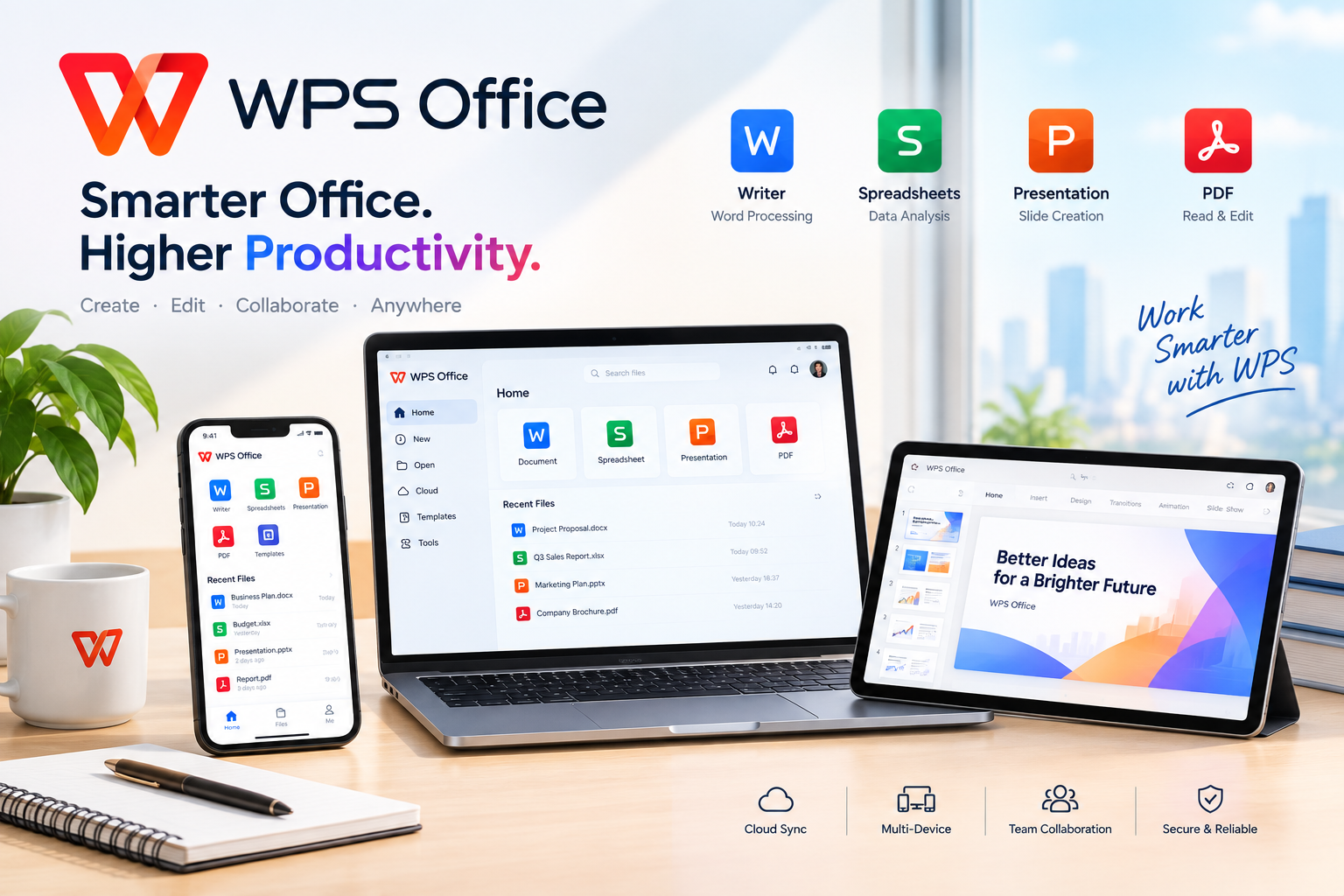
WPS Office is an all-in-one office productivity suite that combines Writer, Spreadsheet, Presentation, and PDF tools in one platform. It provides a Microsoft Office-compatible workspace for creating, editing, converting, sharing, and managing documents, spreadsheets, presentations, and PDFs across Windows, Mac, Linux, Android, and iOS.
WPS Office also integrates WPS AI to help users draft and rewrite documents, summarize content, generate presentations, analyze spreadsheet data, translate documents, and interact with PDFs. The platform supports cloud synchronization and real-time collaboration, making it suitable for students, professionals, businesses, and everyday users
WPS Office also integrates WPS AI to help users draft and rewrite documents, summarize content, generate presentations, analyze spreadsheet data, translate documents, and interact with PDFs. The platform supports cloud synchronization and real-time collaboration, making it suitable for students, professionals, businesses, and everyday users
Key Features
- WPS Writer for document creation and editing
- WPS Spreadsheet for data and calculations
- WPS Presentation for creating slide decks
- WPS PDF for reading, editing, converting, and managing PDFs
- AI-powered writing and document generation
- AI document summarization and rewriting
- AI-powered spreadsheet analysis and formulas
- AI presentation generation
- Chat with and summarize PDF documents
- Microsoft Office format compatibility
- PDF conversion and management
- Real-time collaboration
- Cloud synchronization
- Templates for documents, spreadsheets, and presentations
- Cross-device support
- Windows, macOS, Linux, Android, and iOS apps
- Offline editing capabilities
- Multiple language support
Pros & Cons
Pros
All-in-one suite: Combines documents, spreadsheets, presentations, and PDFs in one application.
AI-powered tools: AI can assist with writing, data analysis, presentations, translations, and PDF workflows.
Microsoft Office compatibility: Supports common DOCX, XLSX, and PPTX formats.
Cross-platform: Available across desktop and mobile operating systems.
Free core version: Users can access core office functionality without needing a paid Microsoft Office subscription.
Cloud and collaboration: Supports file synchronization, sharing, comments, and real-time co-editing.
AI-powered tools: AI can assist with writing, data analysis, presentations, translations, and PDF workflows.
Microsoft Office compatibility: Supports common DOCX, XLSX, and PPTX formats.
Cross-platform: Available across desktop and mobile operating systems.
Free core version: Users can access core office functionality without needing a paid Microsoft Office subscription.
Cloud and collaboration: Supports file synchronization, sharing, comments, and real-time co-editing.
Cons
Some advanced features are paid: Premium AI capabilities and advanced PDF tools may require a paid plan.
Large feature set: New users may need time to become familiar with all the available tools.
Feature differences across platforms: Not every feature is identical on Windows, Mac, Linux, Android, and iOS.
Compatibility isn't always perfect: Although WPS supports Microsoft Office formats, complex files may still require checking after conversion or editing.
Large feature set: New users may need time to become familiar with all the available tools.
Feature differences across platforms: Not every feature is identical on Windows, Mac, Linux, Android, and iOS.
Compatibility isn't always perfect: Although WPS supports Microsoft Office formats, complex files may still require checking after conversion or editing.